
It is perfectly normal to notice a discrepancy between in the daily extraction totals between your POS system and clickBACON. This was an intentional part of our design. Most POS systems have data that is, “less than perfect.” We understand that items get added in a hurry, or for reasons that vary, you may want certain items in certain places on the POS but that is NOT always the correct place for accounting reasons.
That is why clickBACON uses your P-Mix information to calculate your daily sales by category.
→ In all cases, the TOTAL sales should match. Note: Each POS system uses different names and includes different line items in their sales, so it is important to compare apples to apples.
We DO NOT include any of the following in our sales (taxes, discounts, gift cards, fee’s, deposits) and we simply call the basic, nothing included in it, Sales. While some POS systems might have terms like Gross Sales, Net Sales, Net Sales after discounts, etc…
We suggest your periodically compare your clickBACON DSR extracted totals and your POS totals. If your goal is for the them to match perfectly, it might take a bit more work, but after following these simple steps, we believe you will be able to quickly identify errors and either choose to fix them, or trust in the process.
On the left navigation menu, click on CLASSIFICATION then MENU MIX. https://app.clickbacon.com/classification/menu-mix
Filter your POS Sales Category by any of the Categories in your list.
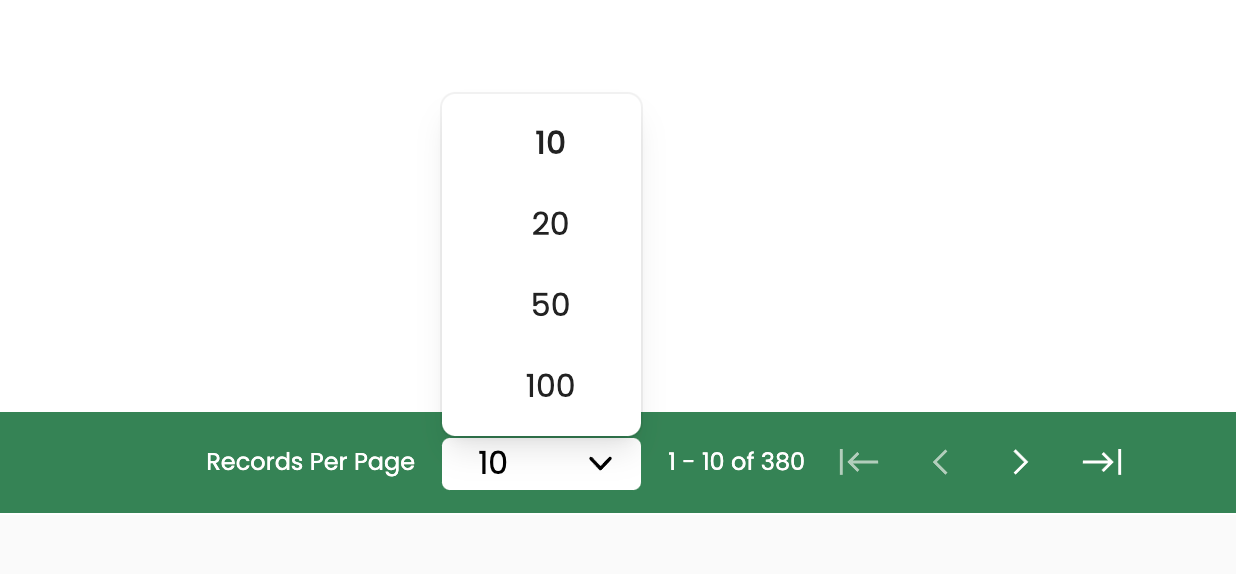
Browse the clickBACON Accounts Column and look for anything that might have been miscategorized. TIP: Be sure you have your page list view set high enough that you can view as many items as needed at one time.
You may find 2 potential types of errors.
i) There are items that are mapped correctly in clickBACON but in the wrong category in your POS.

In this case, you do NOT need to make a change since it is going to the correct account in clickBACON, but if you want the DSR reports to match, you will need to make this change in your POS.
ii) The item is categorized correctly in your POS system, but not mapped to the correct account in clickBACON.
If you find this error, you can instantly change where it is mapped to here. NOTE - this will ensure that any future DSR map this item to the new category or account, but will not make any changes historically.